Make your session notes more or less detailed
Choose Concise, Standard or Detailed Notes, and apply your preference to an existing session.
2 mins read
Choose how much detail AirNote includes in your Notes. You can keep them brief or ask for fuller coverage of the session to suit the way you work.
1. Open General settings
Click your name at the bottom left of AirNote to open Settings.

Choose General in the Settings sidebar.

2. Choose a detail level
Under Note Preferences, choose an option beside Note Detail.

Concise — a shorter Note focused on the main therapeutic work.
Standard — a balanced level of detail.
Detailed — fuller coverage of relevant themes, interventions and client responses.
Your choice saves automatically and sets the detail level for future Notes.
3. Update an existing Note (optional)
To apply your choice to an existing Note, close Settings, select the client and completed session in the sidebar, then open its Note tab.
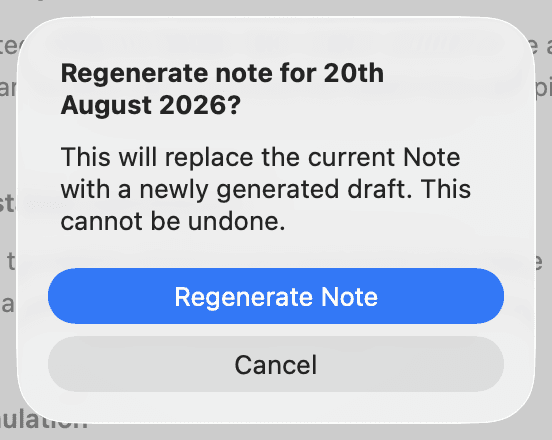
Regenerating replaces the current Note, including any edits you’ve made, and cannot be undone. Copy anything you want to keep first.
Click the clockwise arrow (Regenerate note) at the top right of the Note, beside the copy button.

Choose Regenerate Note in the confirmation dialog, then review the new draft.
All people and session content shown in these screenshots are fictitious.