Edit a session note
Make corrections directly in a session Note and let AirNote save your changes automatically.
1 min read
Review a session Note and edit the wording directly in AirNote. You can correct details, clarify phrasing or add information needed for an accurate record.
1. Open the Note
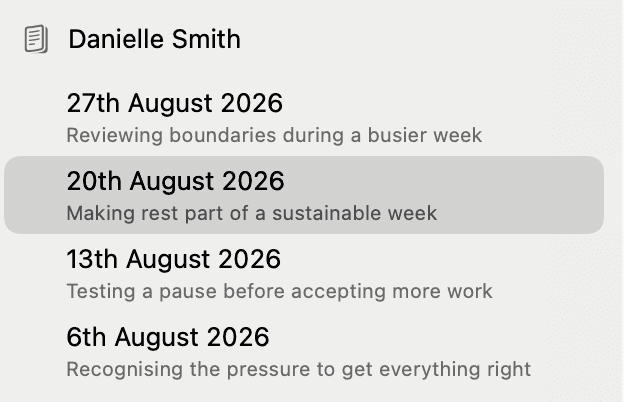
Find the client in the sidebar and select the relevant completed session.
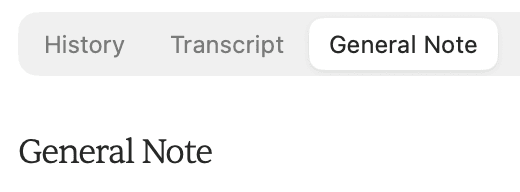
Open the Note tab. Its label follows the chosen Note Template; this example uses General Note. If the Note is still being generated, wait for it to finish before editing.
2. Edit the text
Click inside the Note and type your changes. You can select words or sentences to replace them, or add and remove text as needed.


Your changes save automatically. There is no separate Save button. You can open another session and return to this Note to review the saved wording.
Regenerating a Note replaces the current draft, including manual edits.
All people and session content shown in these screenshots are fictitious.