Draft a GP Referral letter
Create a concise GP referral letter from a completed session Note, then review, edit and prepare it for email or post.
2 mins read
A GP Referral Letter is a concise professional letter to a client’s GP or primary care clinician. It can explain the reason for referral, summarise the relevant clinical context and set out any action you want the GP to consider. AirNote prepares a draft for you to review and adapt.
1. Open a completed session
Select the client and a completed session in the sidebar, then open the relevant Note.
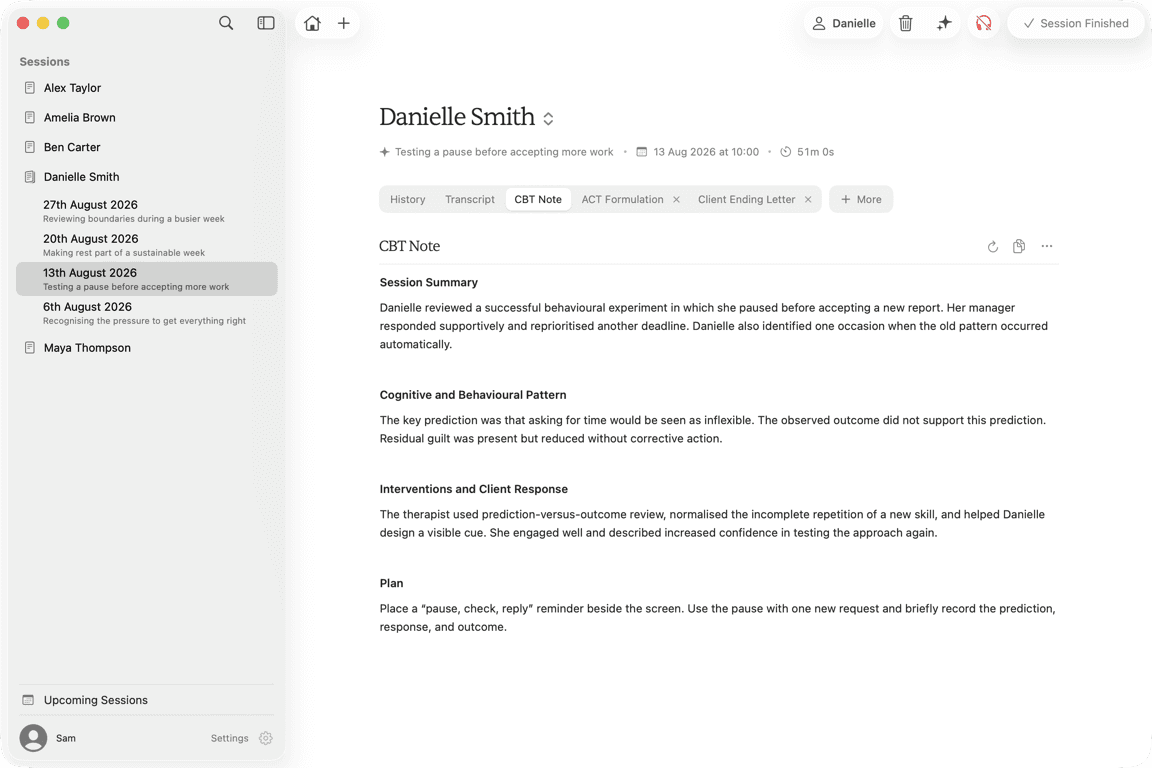
AirNote uses the selected session’s Note, the client’s name and basic session details. It does not use the raw Transcript or earlier sessions unless their relevant information is already included in the Note.
The Note should contain enough information to support the referral. AirNote does not invent a diagnosis, medication, risk level, requested action or reason for referral.
2. Choose GP Referral
Click More, move to Client Documents, then click GP Referral.
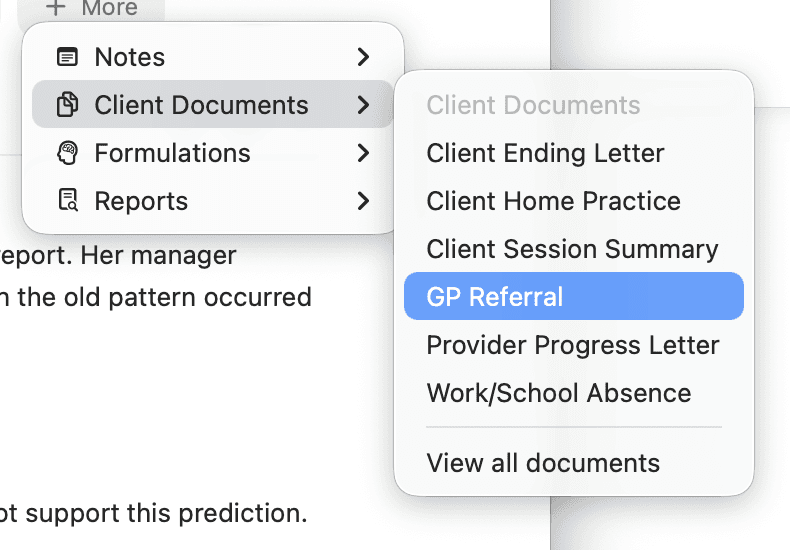
AirNote adds a GP Referral tab to the session. Wait for the draft to finish generating. If a GP Referral already exists for this session, choosing it opens that document instead.
3. Review and edit the draft
Check the reason for referral, relevant clinical context, client details and any action requested from the GP. Complete details such as the client’s date of birth or address when they are needed, and remove anything that is not relevant.
Click in the document to make changes. Your edits save automatically.
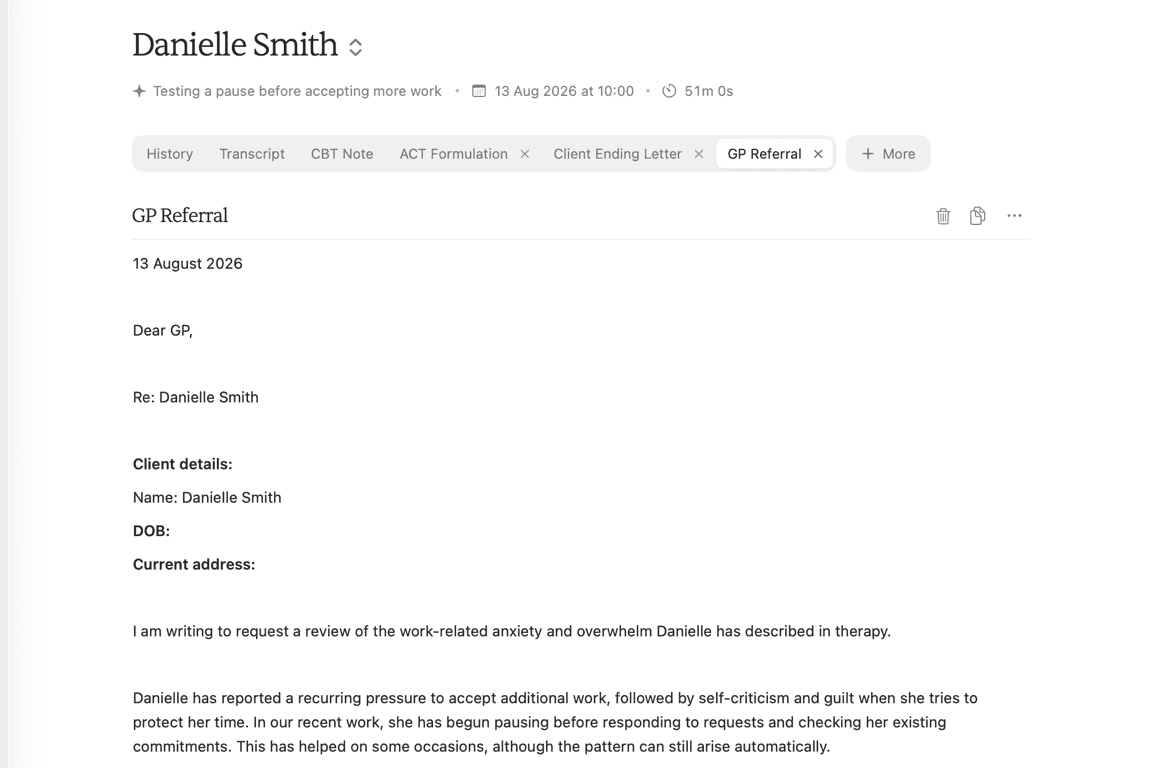
Treat the letter as a working draft. Confirm its clinical accuracy, recipient and client details before sharing it.
4. Prepare the letter to share
Use Copy above the document to paste the reviewed letter into an email. For an attachment or a printed and posted letter, open the three-dot Actions menu and choose Export as PDF, Export as .doc or Print. The menu also includes Send as email.
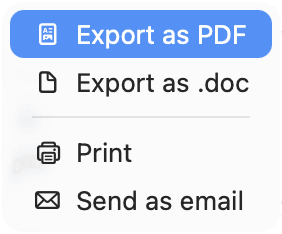
Generating the letter does not send or post it. Review the content and recipient before sharing it.
All people and session content shown in these screenshots are fictitious.